Mamiya 6: Checking the Light Meter for Auto Exposure Errors
Originally posted on Instagram. Notes from the repair bench, kept here as a searchable archive. View the original on Instagram
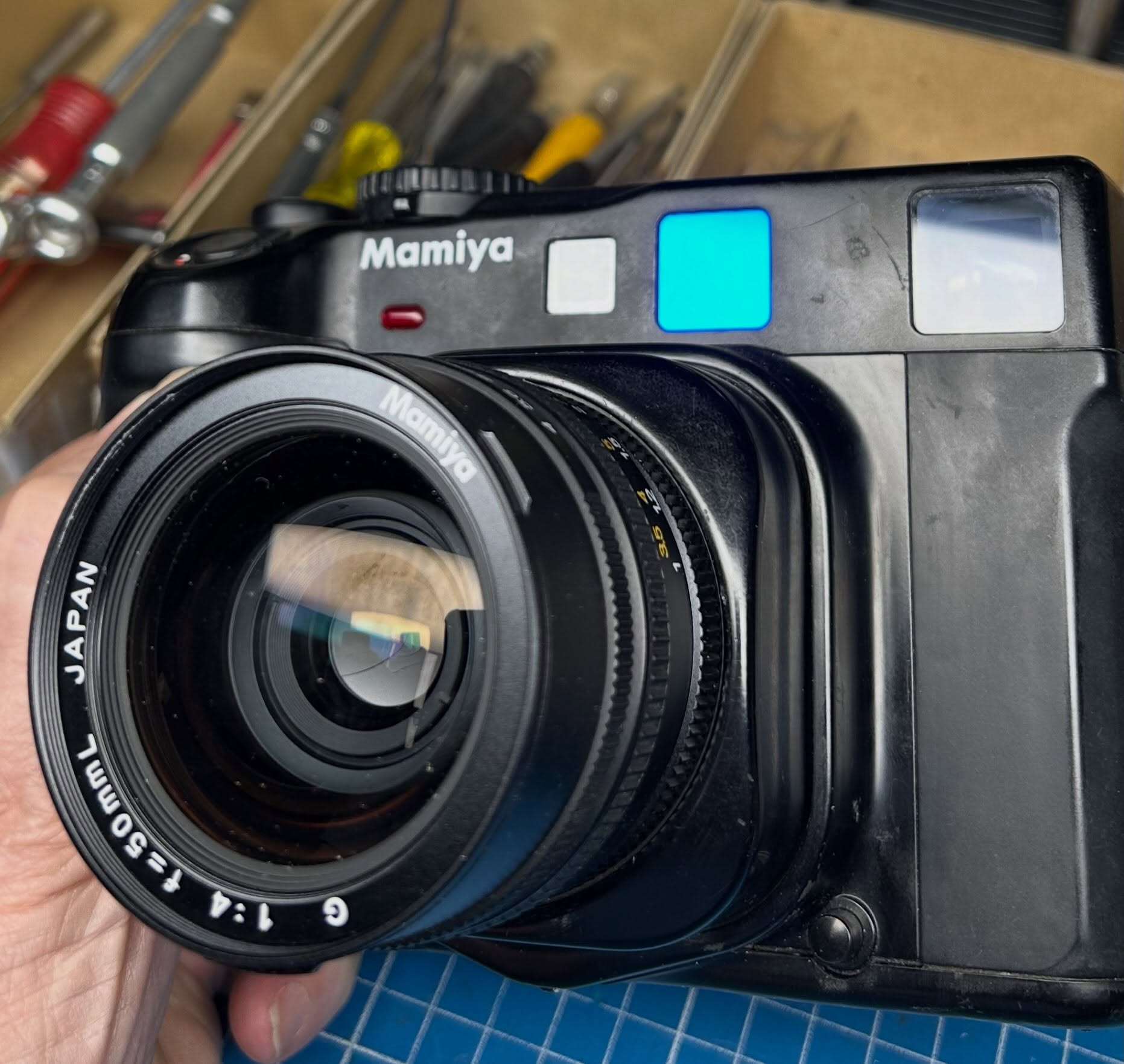
A Mamiya 6 came into the shop with a complaint of incorrect exposure on the A setting.
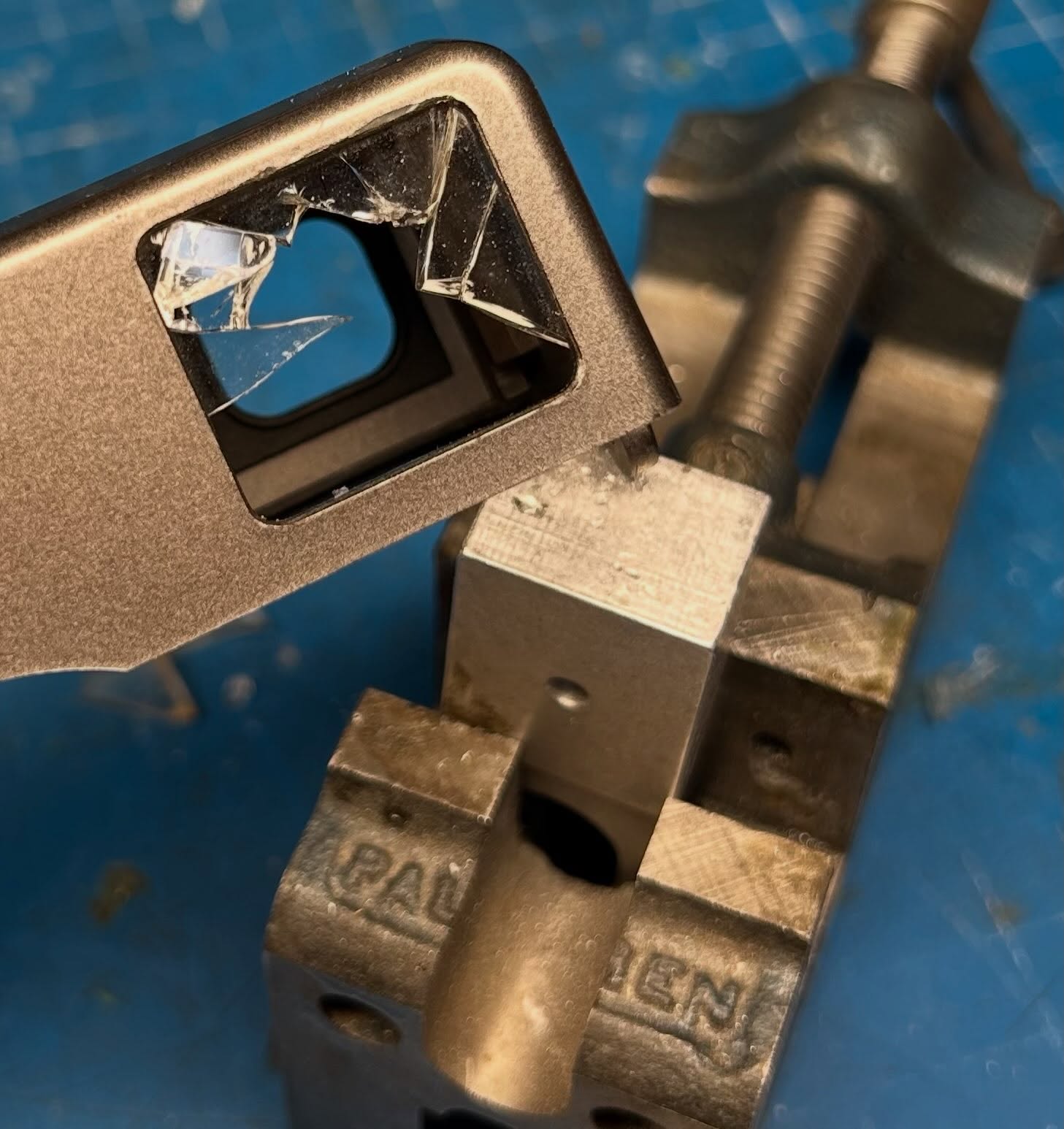
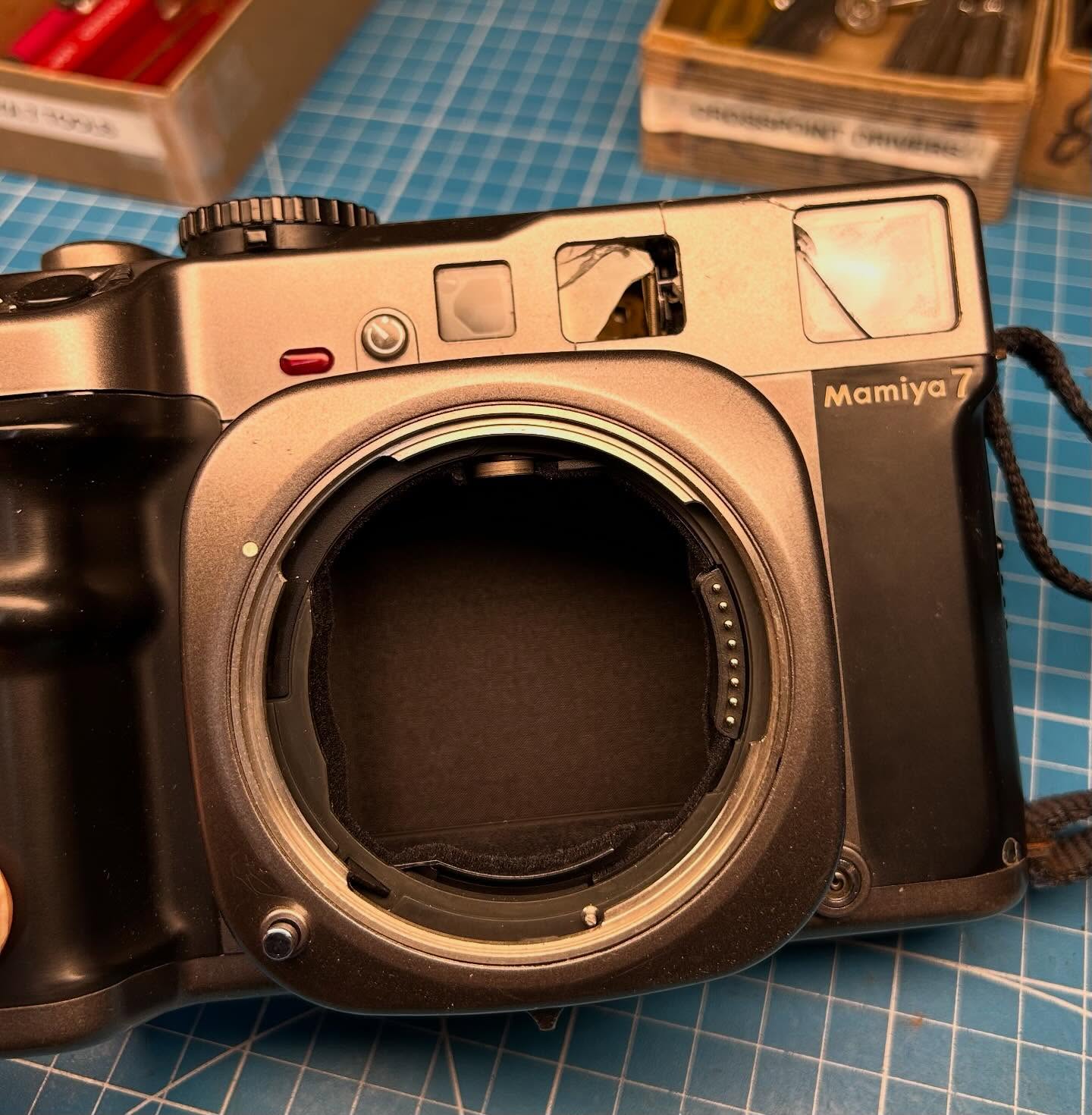
The first photo shows the pieces necessary for checking the light meter on the camera. Since the Mamiya 6 uses a SPD light receptor that is integrated into the viewfinder, a special fixture is used to connect the camera body to the light standard for checking the meter. This fixture, shown in photo two, has two purposes: it shields the meter from room light and also integrates the light from the light standard.
One problem with using the fixture is that the front standard of the camera needs to be collapsed for it to fit the camera body. So, a small bridge needs to be de-soldered in the body (it is located under the bottom cover so not too much work) to allow the camera to fire with the front standard collapsed.. Then, another fixture is installed in place of the lens for input/output connections between the body and the main test controller.
The video shows the setup installed on a shutter tester (Kyoritsu EF-511NK) that I am using only for a light standard. EV15 is selected and at f/5.6 which we have the Mamiya tester set for, the camera body should be giving 1/1000. Although it may be hard to see because it flashes the shutter speed quickly on the small display, it is indeed 1/1000 (1ms). So, the light meter on the body is giving correct exposure at the A setting in this case.