Mamiya 7/7II: Broken Self Timer Button Warning
Originally posted on Instagram. Notes from the repair bench, kept here as a searchable archive. View the original on Instagram
Although I have done several posts on this issue, here is another one because I feel it is important for keeping your Mamiya 7/7II out of the repair shop (at least for major service).
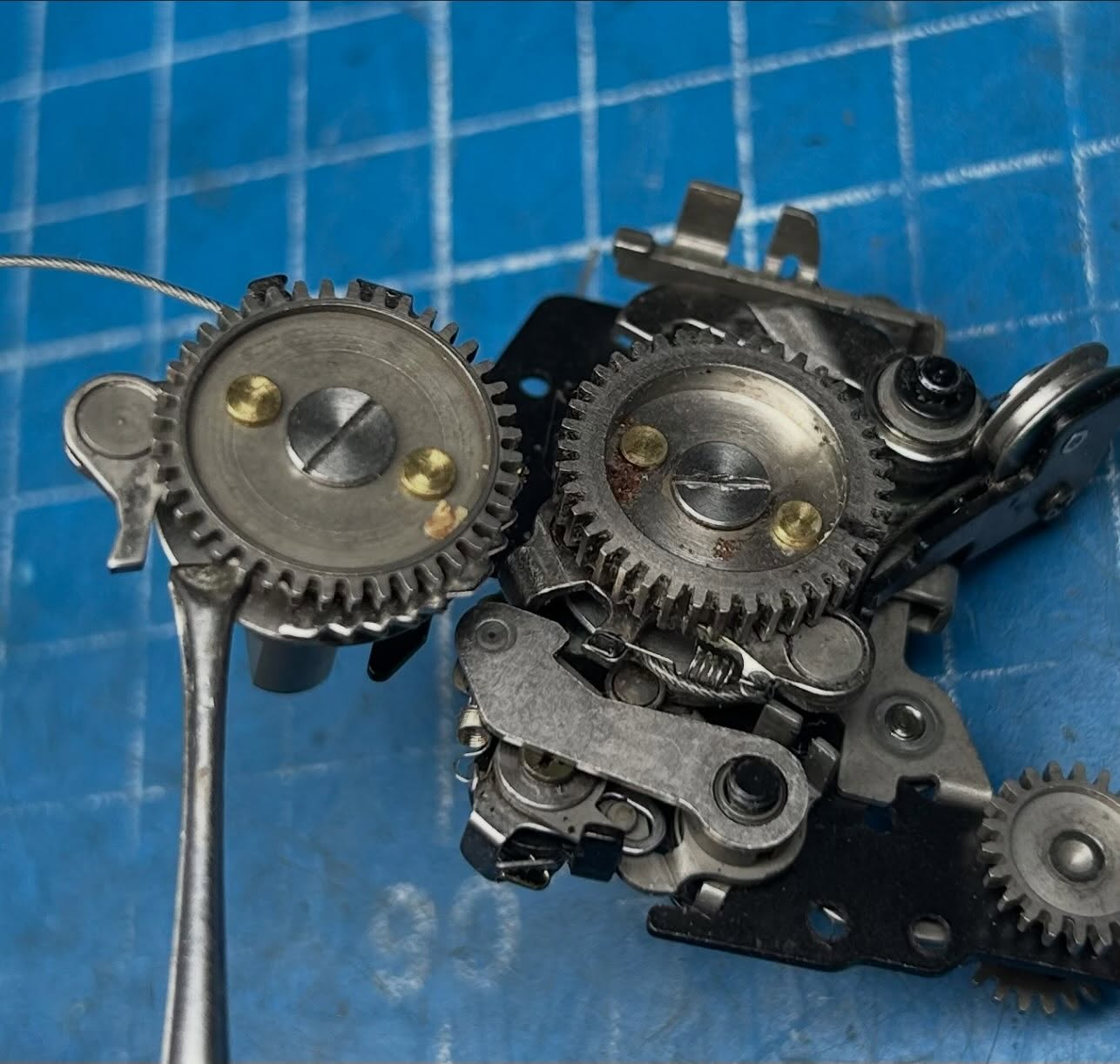
Commonly, the self timer button will break on these cameras. What happens is that the shaft of the button will snap off with the keeper still installed. Then, gravity does its job and often brings the broken shaft and keeper deep into the camera where it may live for a while and then cause mischief at a time when you decide to use the camera. Since the ST button is located right by the wind mechanism, it very likely will fall into the wind gears and cause winding of the camera to cease or to be very stiff. I’ve done a few post showing this part stuck in the wind gears and my efforts to remove it.
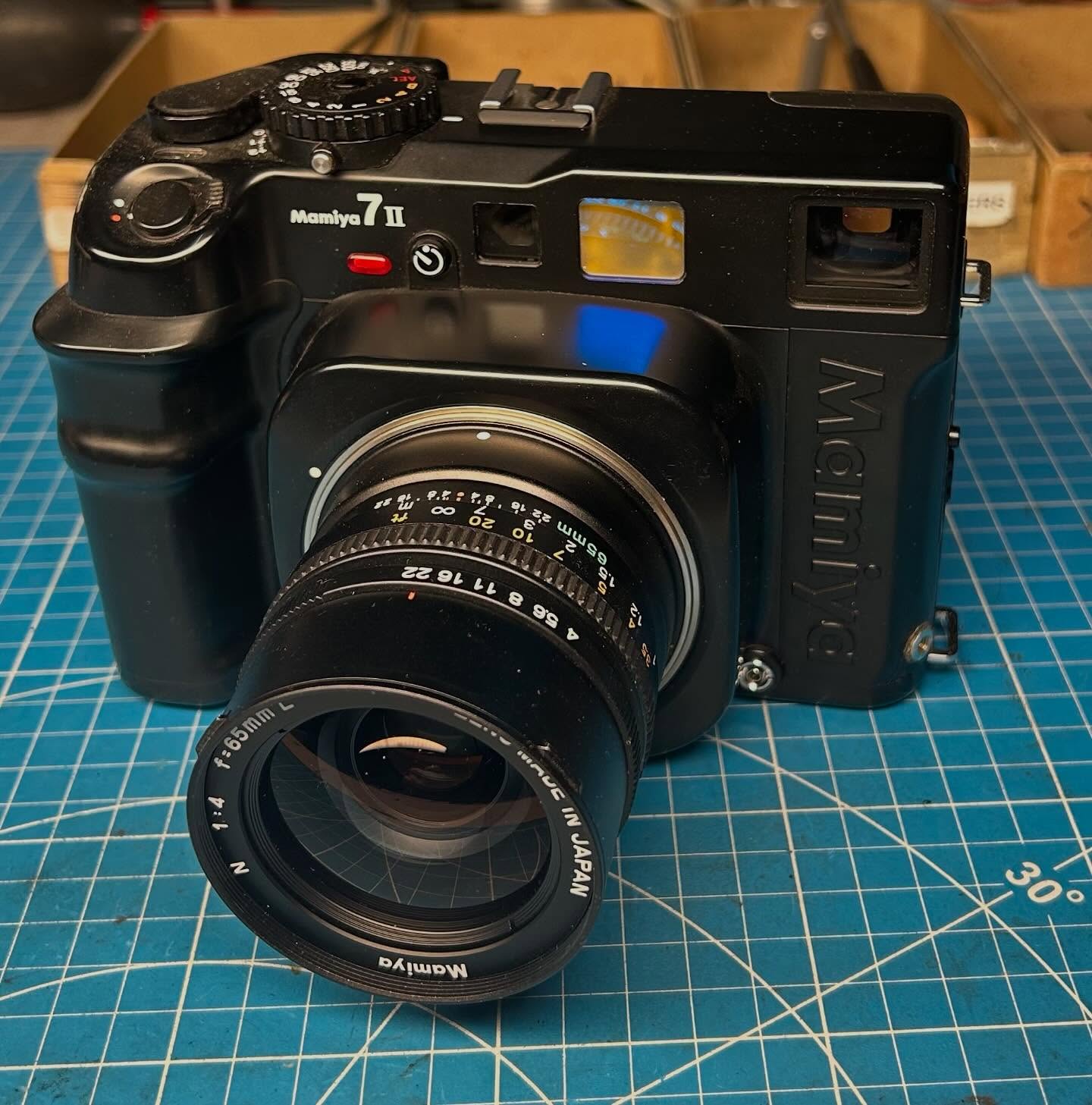
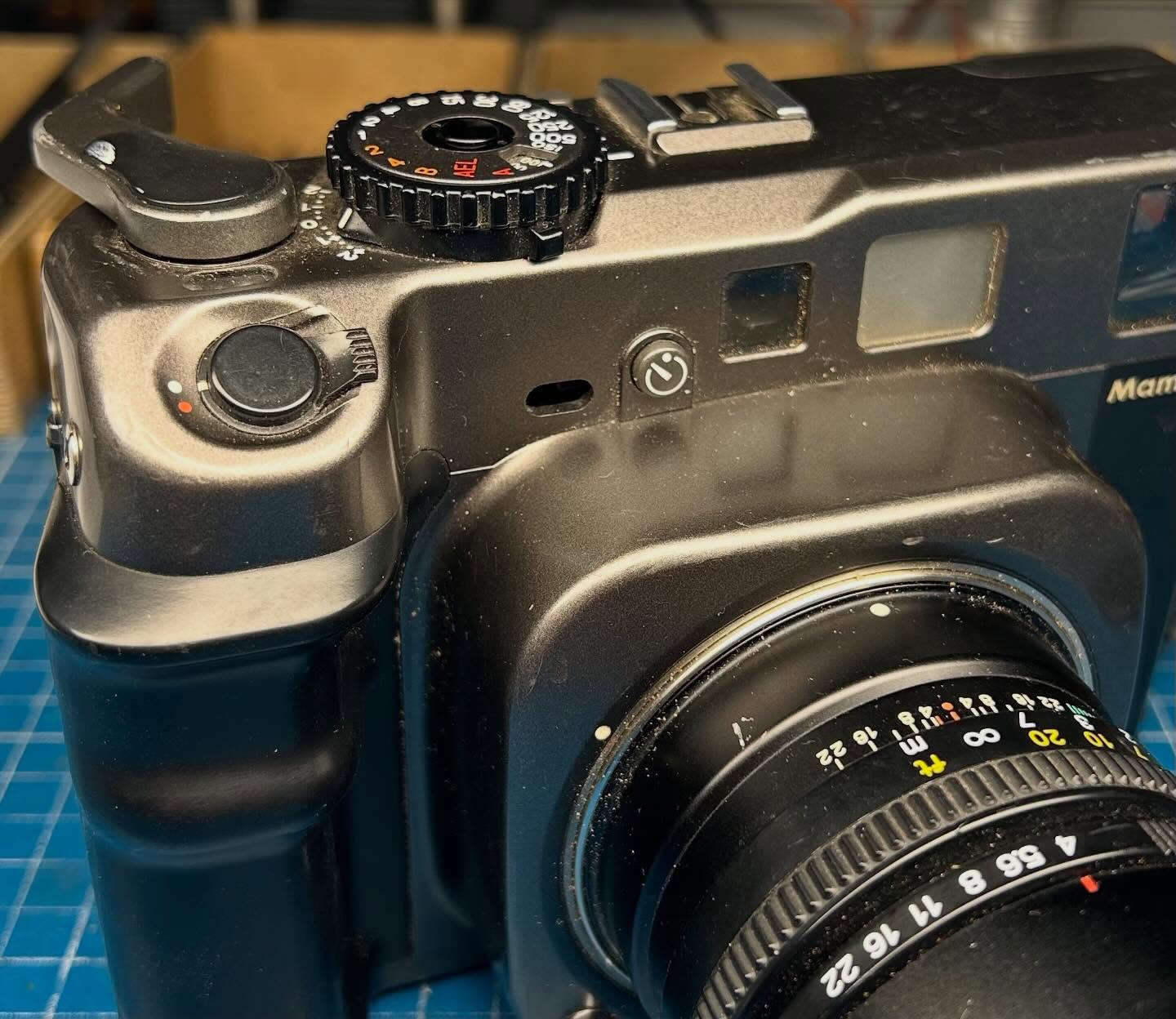
The owner of this camera was very lucky as the broken part was still held in place by the spring action of the internal self timer switch. This is not that common. Photo two shows what this condition will look like when the broken part is still held in place. Photo three shows the view when the broken bit has already fallen into the camera. A subtle difference but if you look carefully you can see the broken shaft in the second photo.
Photo four shows what the internal momentary self timer switch looks like. It is the black switch in the center of the photo. Photo five shows the offending part, a very small tip of the button that I recovered from the camera once the top cover is removed.
If your self timer button is missing, I would check to see if it is still in place as in photo two. If so, I’d suggest immediately stopping use of the camera and having the part removed before it does cause a big problem and possibly a costly repair.