Mamiya 645 Pro: Checking Bayonet Flatness After Impact
Originally posted on Instagram. Notes from the repair bench, kept here as a searchable archive. View the original on Instagram
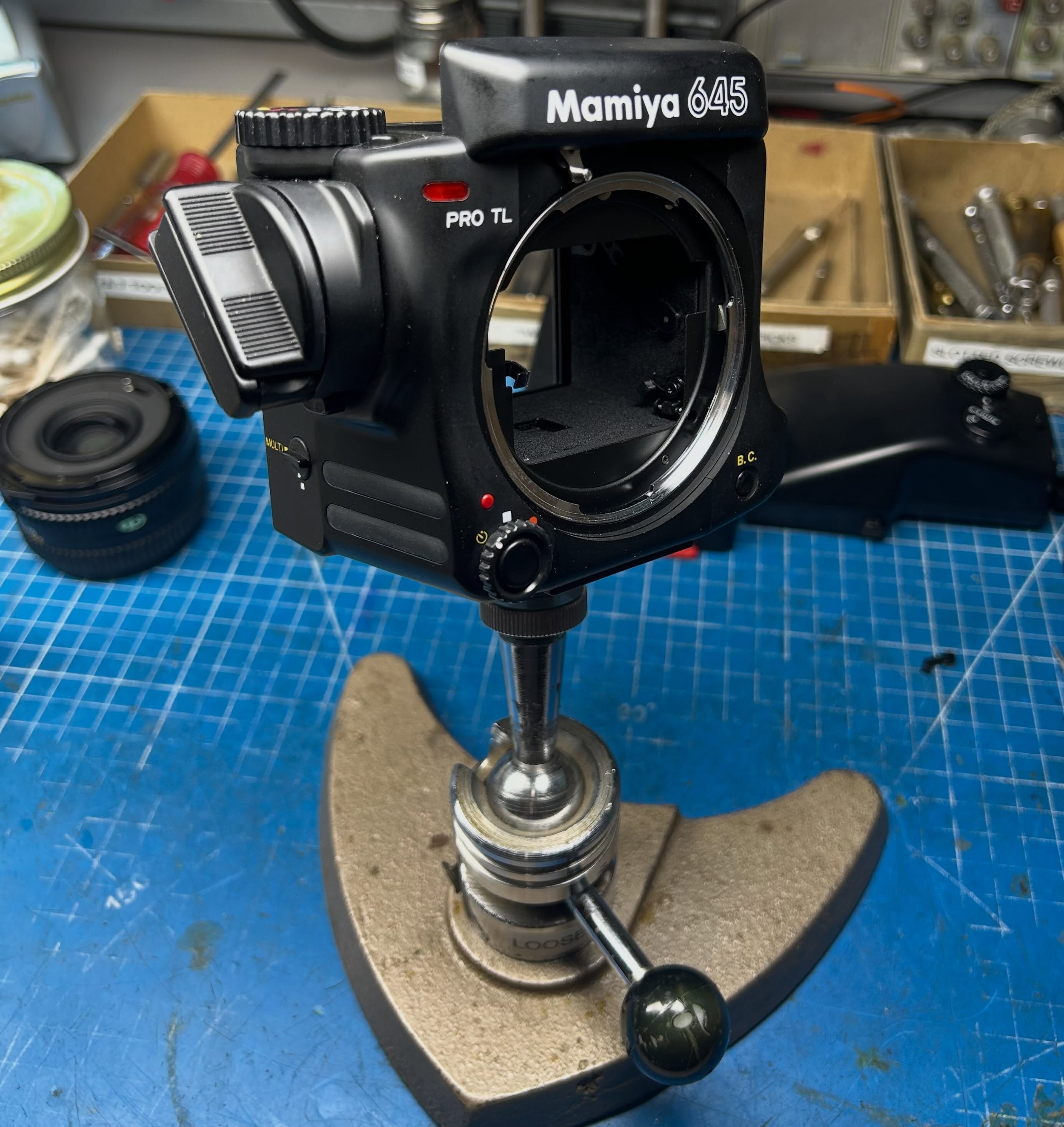
This Mamiya 645 Pro came into the shop with what I suspect might have been some impact damage. In cases like this, I carefully inspect the camera for damage. These photos show the fairly straightforward process of checking the flatness of the bayonet surface to the body flange back.
Photo one shows the necessary tools: a dial indicator on a steel plate, a 63.3mm gauge block, lens mount parallel disk gauge and the camera body support. Photo two shows the dial indicator being zeroed out with the two gauge blocks installed in the body support. Then, the camera is installed on the support with the parallel disk gauge installed in the bayonet mount. Readings are then taken around the disk as shown in photos three and four. In this case, the mount was in spec at all points.
The flange film distance is 63.3mm +- 0.03mm.